🚀 Eleventy Starter Boilerplate is production-ready with SEO-friendly for quickly starting a blog. ⚡️ Built with Eleventy, ESLint, Prettier, Webpack, PostCSS, Tailwind CSS and Netlify CMS (optional).
Clone this project and use it to create your own Eleventy blog. You can check a Eleventy js blog templates demo.
The GitHub repository is located Eleventy Starter Boilerplate.
Features
Production-ready in mind:
- 🔥 11ty for Static Site Generator
- 🎨 Integrate with Tailwind CSS (with PurgeCSS, remove unused CSS)
- 💅 PostCSS for processing Tailwind CSS
- ⚡️ Lazy load images with lazysizes
- ✨ Compress image with Imagemin
- 🎈 Syntax Highlighting with Prism.js
- ☕ Minify HTML & CSS with HTMLMinifier and cssnano
- ✏️ Linter with ESLint
- 🛠 Code Formatter with Prettier
- 💨 Live reload
- 📦 Module Bundler with Webpack
- 🦊 Templating with EJS
- 🤖 SEO metadata and Open Graph tags
- ⚙️ JSON-LD for richer indexing
- 🗺 Sitemap.xml
- ⚠️ 404 page
- 📖 Pagination
- ✅ Cache busting
- 💯 Maximize lighthouse score
- 🌈 Include a FREE minimalist blog theme
- 🗒 Netlify CMS (optional)
Philosophy
- Minimal code (HTML, CSS & JS). Add what you need
- SEO-friendly
- 🚀 Production-ready
Requirements
- Node.js and npm
Premium Themes (Eleventy Themes)
| Blue Dark Eleventy Theme | Blue Eclatant Eleventy Theme |
|---|---|
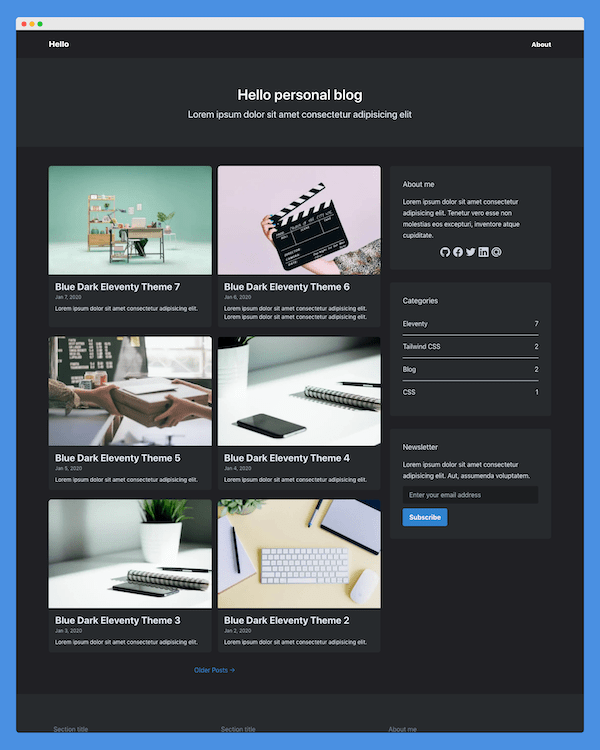 | 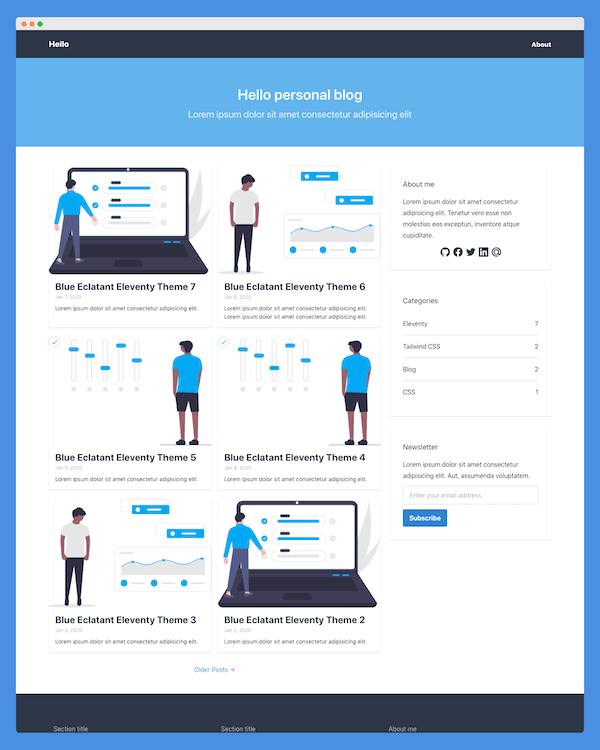 |
| Blue Modern Eleventy Theme | Blue Minimalist Eleventy Theme |
|---|---|
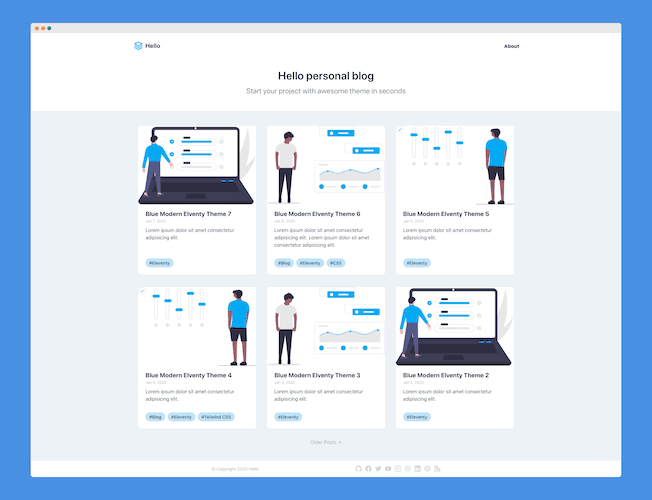 | 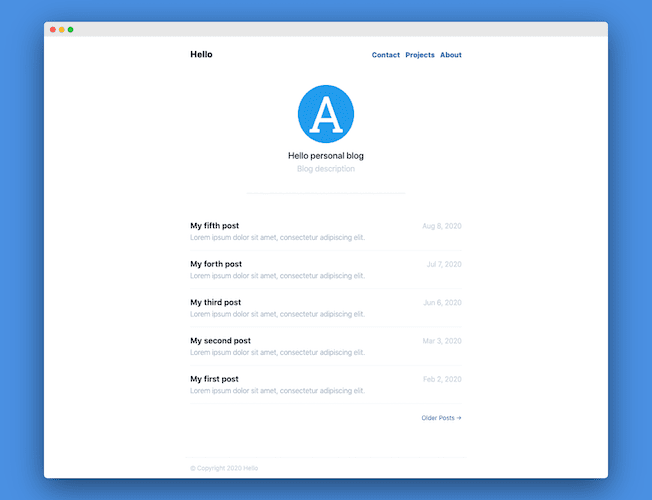 |
Getting started
Run the following command on your local environment:
git clone --depth=1 https://github.com/ixartz/Eleventy-Starter-Boilerplate.git my-project-name
cd my-project-name
npm install
Then, you can run locally in development mode with live reload:
npm run devOpen http://localhost:8080 with your favorite browser to see your blog.
Project structure
.
├── public             # Static files
│   └── assets
│       └── images     # Images not needed by Webpack
└── src
    ├── _data          # Eleventy data folder
    ├── _includes
    │   └── layouts    # HTML layout files
    ├── assets         # Assets folder that needs to be processed by Webpack
    │   ├── images
    │   │   └── posts  # Images used in your blog posts (will be compressed by Webpack)
    │   └── styles     # Your blog CSS files
    └── posts          # Your blog posts
Customization
You can easily configure Eleventy Starter Boilerplate. Please change the following file:
public/assets/images/logo.png: your blog logopublic/apple-touch-icon.png,public/favicon.ico,public/favicon-16x16.pngandpublic/favicon-32x32.png: your blog favicon, you can generate from https://favicon.io/favicon-converter/src/_data/site.json: your blog configurationsrc/_includes/layouts: your blog HTML layoutsrc/assets/styles/main.css: your blog CSS file using Tailwind CSS
Deploy to production
You can see the results locally in production mode with:
npm run serveThe generated HTML and CSS files are minified. It will also removed unused CSS from Tailwind CSS.
You can create an optimized production build with:
npm run buildNow, your blog is ready to be deployed. All generated files are located at _site folder, which you can deploy with any hosting service.
Deploy to Netlify
Clone this repository on own GitHub account and deploy to Netlify:

Remove Netlify files and Netlify CMS
If you don't use Netlify, you can easily remove all Netlify related files:
public/admin, the entier foldersrc/_includes/layouts/base.ejs, the loaded scriptnetlify-identity-widget.jsand the inline scriptif (window.netlifyIdentity) { ...netlify.toml, the entire file
Contributions
Everyone is welcome to contribute to this project. Feel free to open an issue if you have question or found a bug.
License
Licensed under the MIT License, Copyright © 2020
See LICENSE for more information.
GitHub
The GitHub repository is located Eleventy Starter Boilerplate maintained by Creative Design Guru.
Itty Bitty Byte
using Netlify.com and the Eleventy Starter Boilerplate.